Debug Android devices
in total comfort
ADBscope is a desktop app that connects to your Android device over USB or Wi‑Fi and gives you device info, screen mirroring, log viewer, and an ADB terminal.
Everything you need to inspect
One tool. All the power of adb without typing a single command by hand.
USB & Wi‑Fi connection
Detects devices connected over USB or pairs wirelessly via adb TCP/IP — no cable needed once paired.
Live screen mirroring
See and interact with your Android screen in real time. Low latency, full resolution, no extra apps on the device.
Logcat viewer
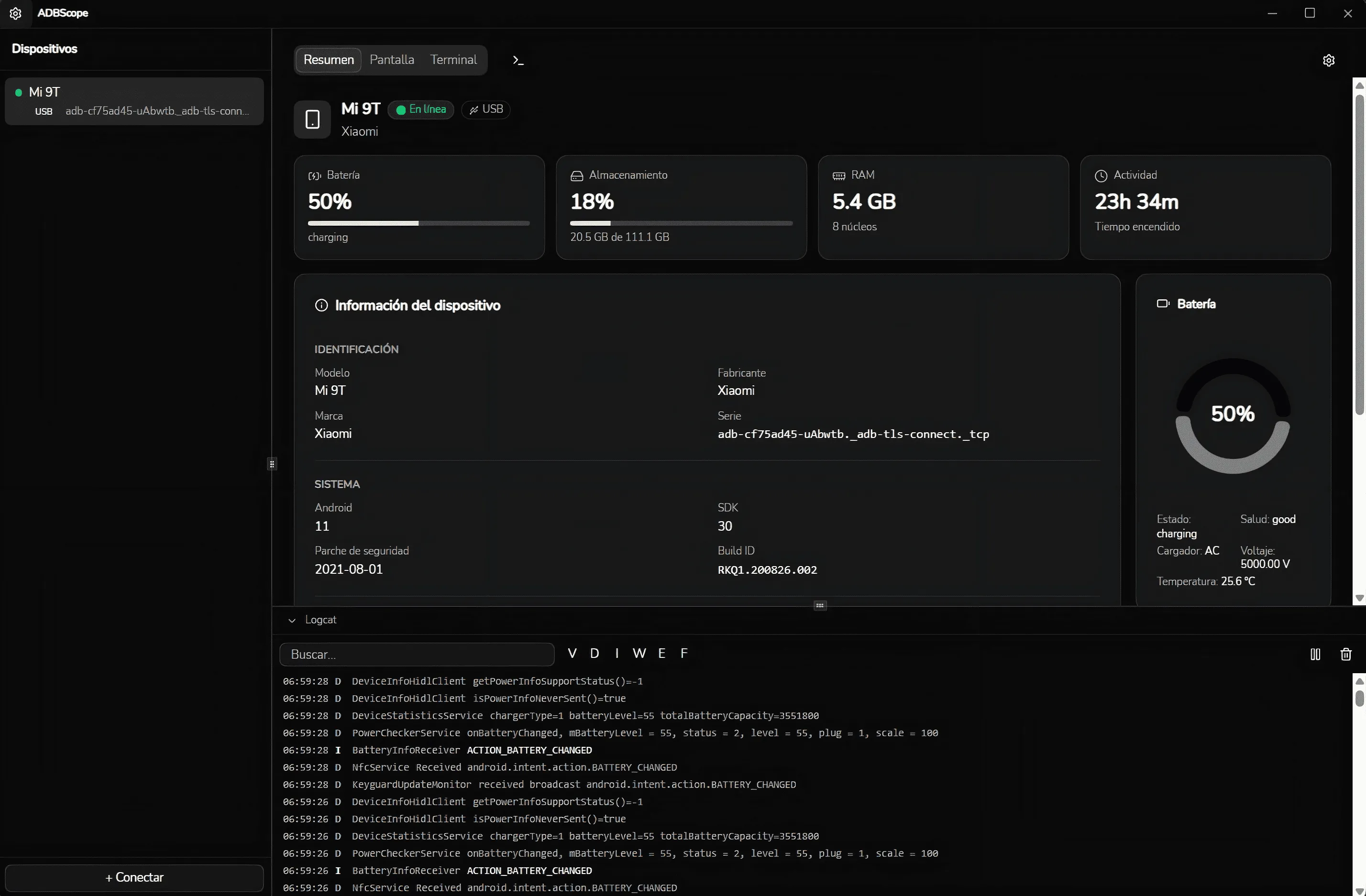
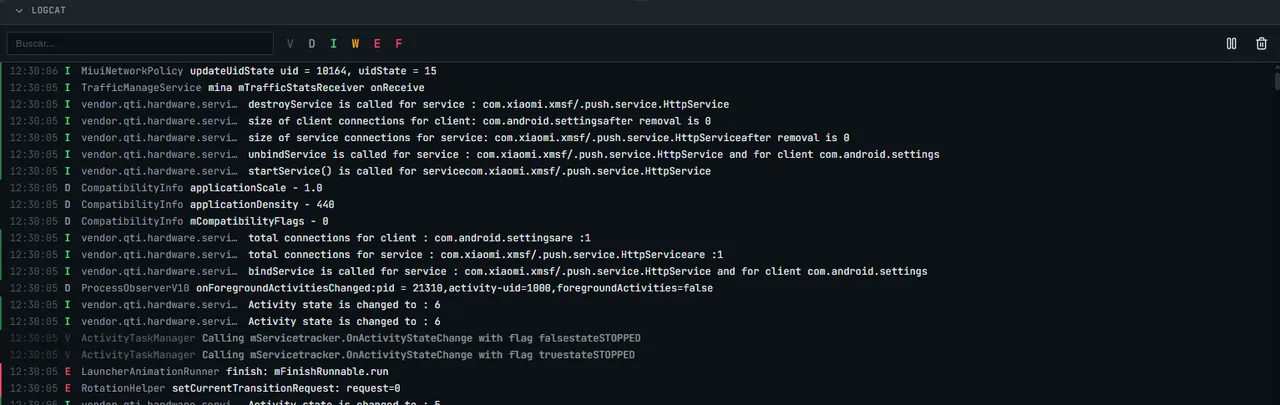
Filter and search logs by tag, package, or log level. Color-coded output to spot crashes instantly.
ADB Shell terminal
A full interactive shell running directly on the device. Run commands, explore the filesystem, launch intents.
Info panel
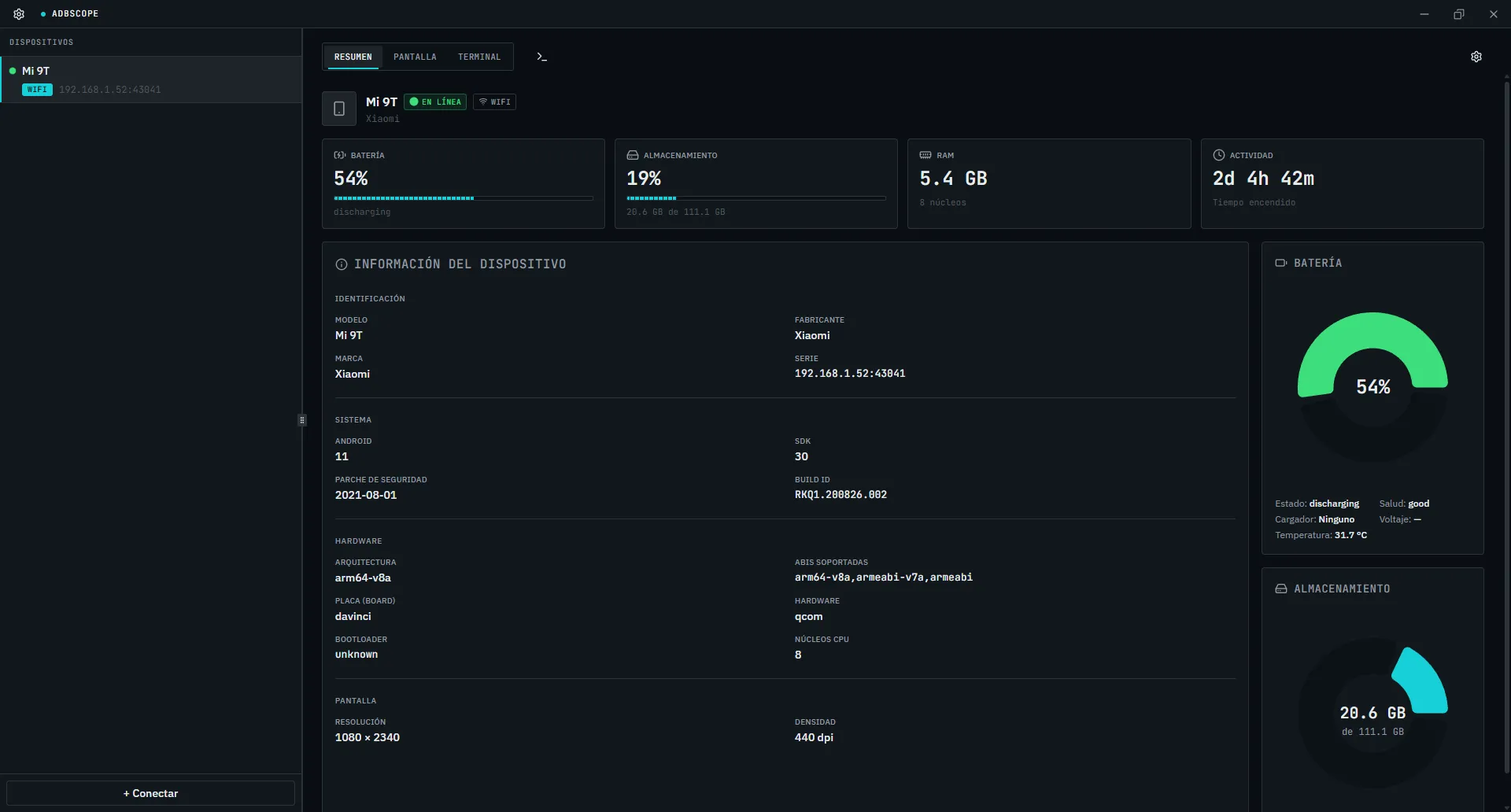
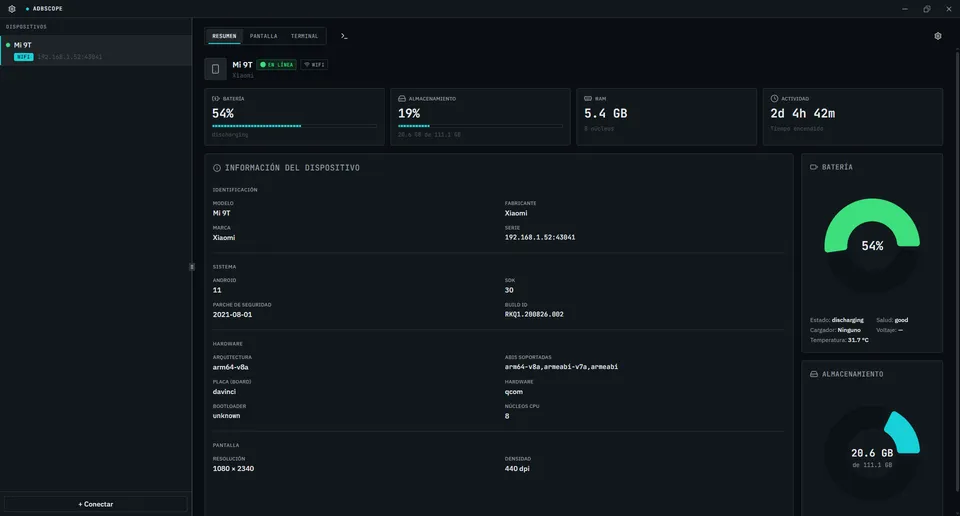
Model, Android version, CPU, RAM, storage, battery and network — all collected automatically on connect.
Wireless pairing
Supports Android 11+ wireless pairing via QR code or PIN — no USB after the first pairing.
From zero to debugging
in three steps.
Connect your device
Plug it in over USB or go wireless — ADBscope detects your device automatically and starts the ADB session instantly.
Inspect everything
Open the device panel to see hardware specs, battery health, and network info. Switch to logcat for live logs.
Take control
Mirror the screen, open a shell terminal, and filter logs by crash tags — all from one unified window.
Catch crashes before they reach your users.
Download ADBscope Alpha 1
Free for everyone. Early access.